A shared design language for E.ON Next's internal tools
brand
 E.ON NEXT
role
Design systems
Component design
AI patterns
Motion
Guidelines
tools
Figma
Storybook
Claude Code
summary
I build and grow Terra, the design system behind E.ON Next's internal tools. I expand the system by designing, maintaining and documenting new and existing components.
setting the stage
Internal tools for E.ON Next's operations agents are built in various squads. To create a unified experience across them, we've built the Terra design system. When AI features started landing in our products, I designed a new language to recognise and differentiate AI-enhanced workflows from deterministic ones.





My role
build >
I design and build components and patterns, and I write the documentation beside them so any squad knows how to use them.
maintain >
When a new use case comes up and a component needs to do more, I refactor it so the behaviour gets added to the shared component.
collaborate >
I work with the developers shipping the tools. We keep the design and the build in step, and I QA the production build before it goes out.
create >
I designed Terra's AI brand. A palette, components and motion that mark AI workflows, and keep it distinct from the rest of the product.
Evolving Terra
Expanding a newly
introduced system
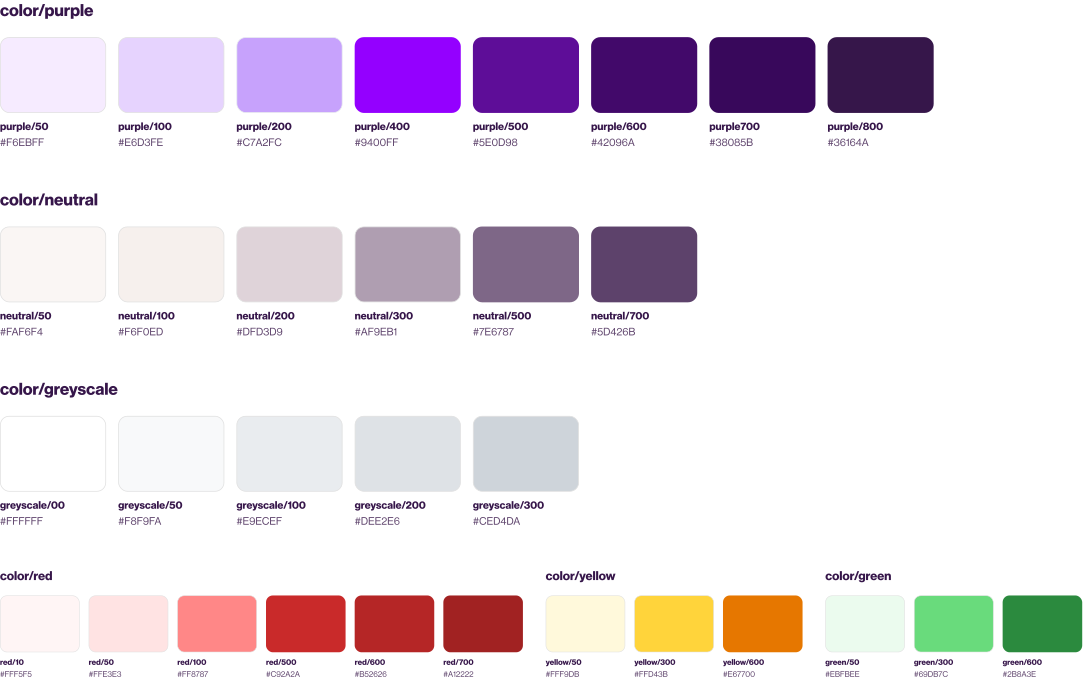
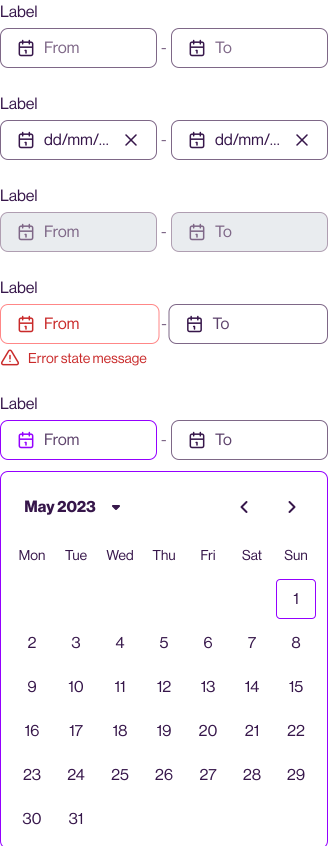
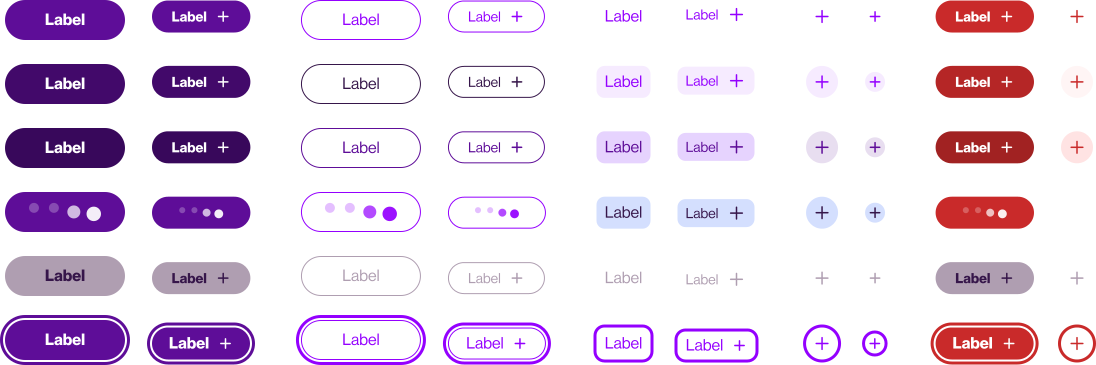
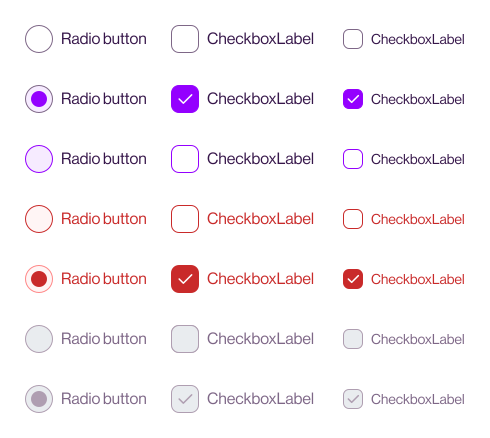
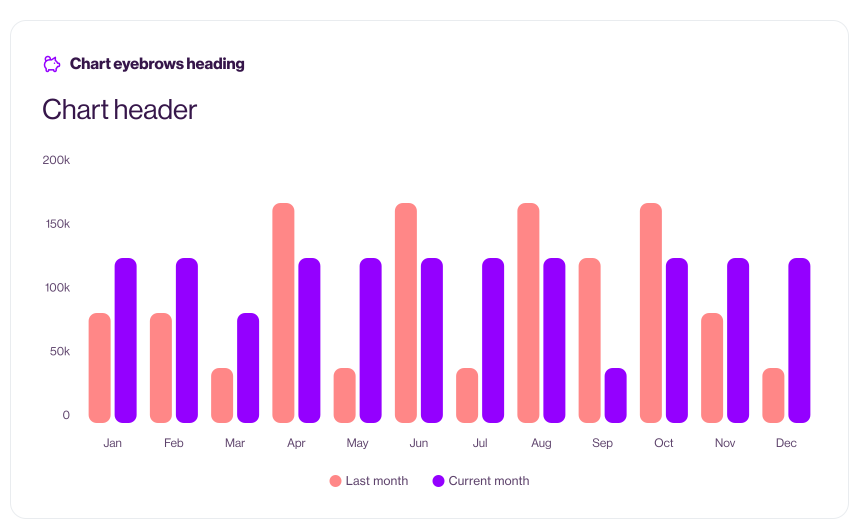
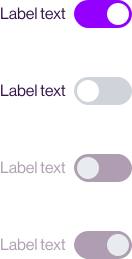
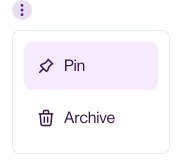
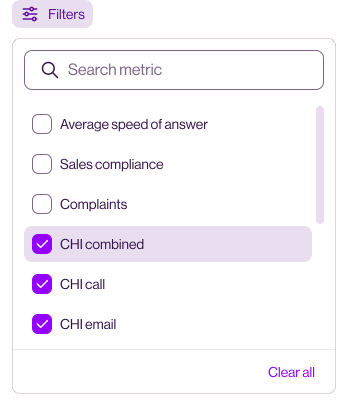
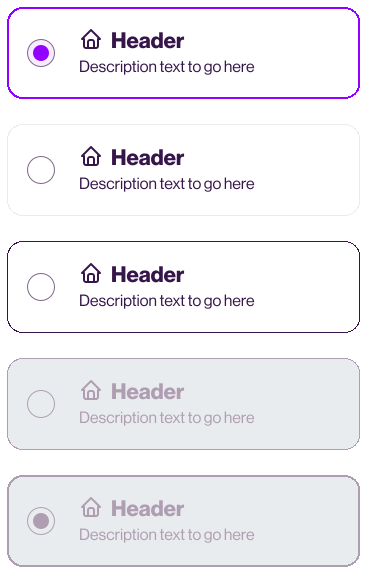
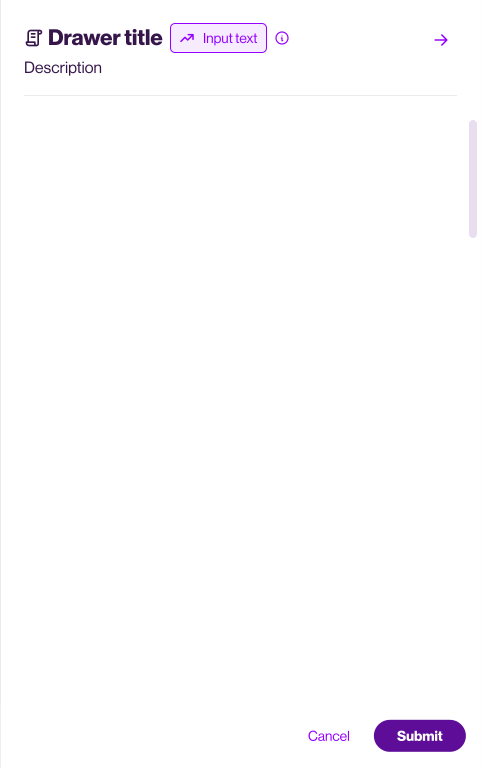
Terra already had its foundations when I joined. I expanded it with new components, refactors, missing states, and guidelines for both humans and AI agents.
AI layer
Designing a brand for
AI-enhanced workflows
With AI features being built across the company, I designed a new colour palette, a set of AI components, and animated states for anything AI-generated, so users always know when they're interacting with AI.

AI palette
A new distinctive palette
that still belongs to Terra
I tested colour variations on real pages from different E.ON Next products, looking for a palette that read as a separate layer without leaving Terra. Purples and pinks sat too close to the existing components, and the brand blue felt too harsh, so I added a warmer purple and an orange and built the rest from their gradient.
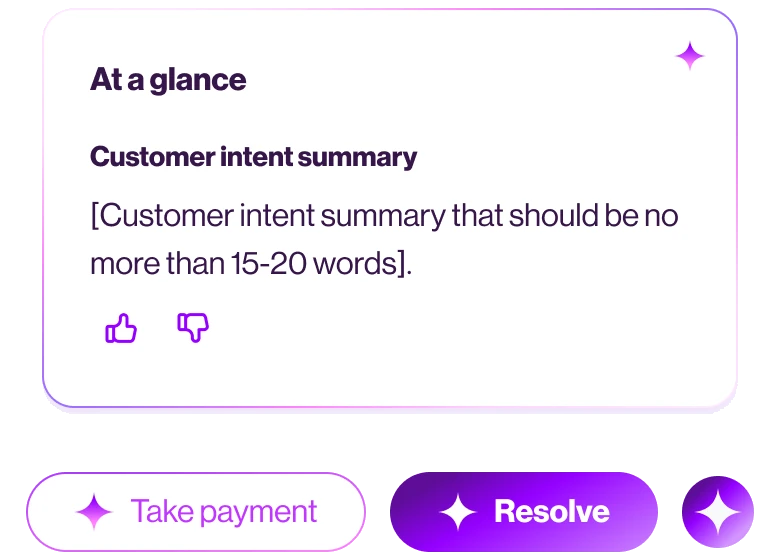
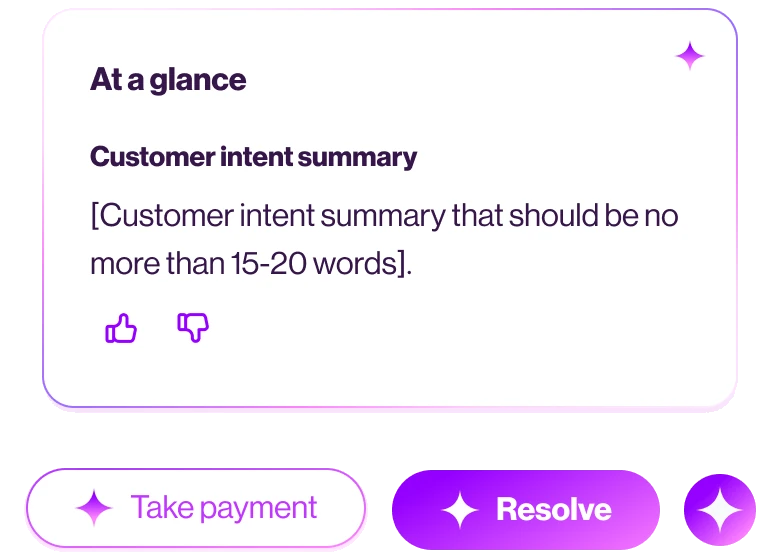
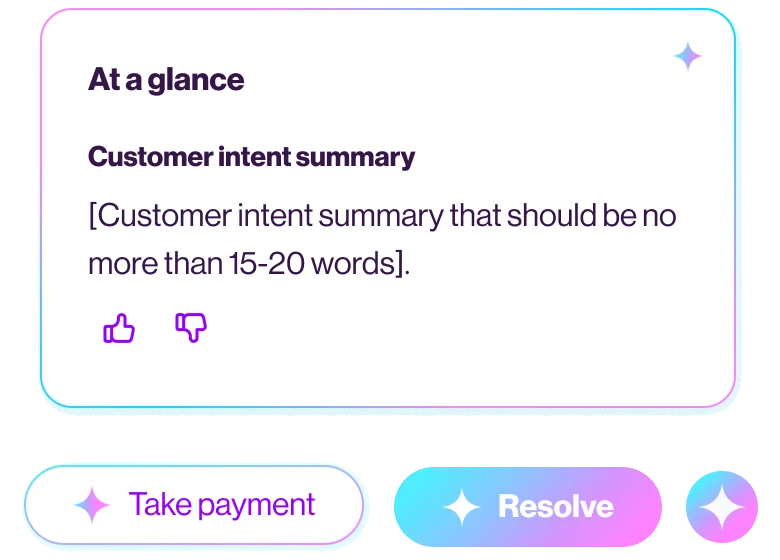
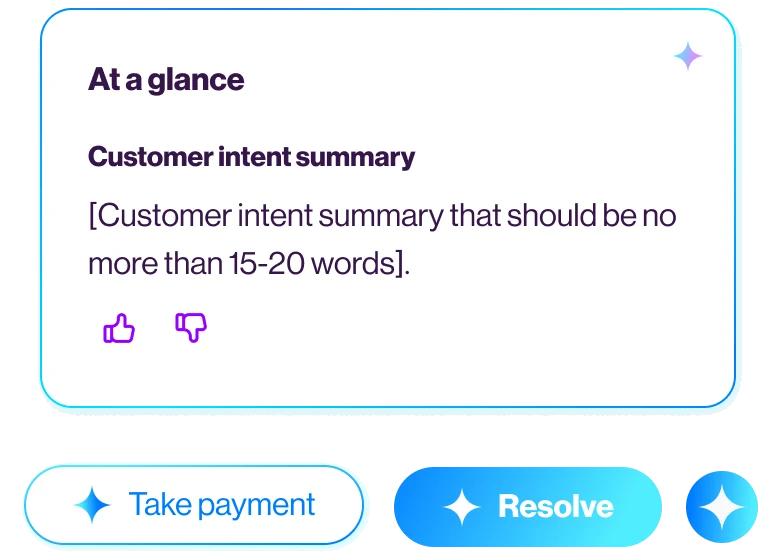
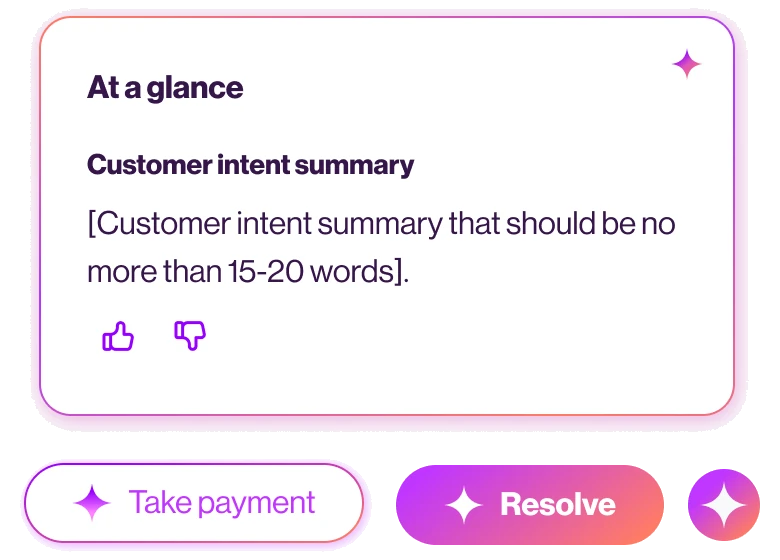
The Otherworld sunset gradient and the new palette became one of the signifiers that set AI content apart from standard system data.
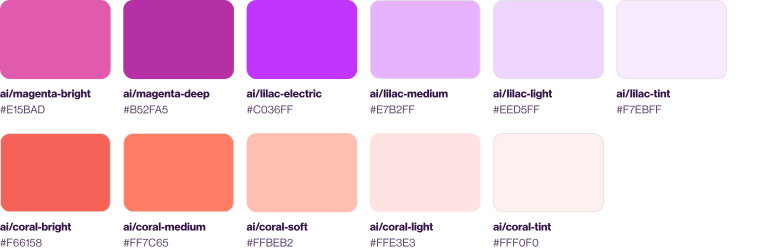
ai/otherworld-sunset
#C036FF → #FF7C65
ai/black-plum
#B52FA5 → #F66158
ai/coral-reef
#E7B2FF → #FFBEB2
ai/lavender-morning
#FFE3E3 → #EED5FF
ai/island-mist
#FFF0F0 → #F7EBFF
solid gradient >
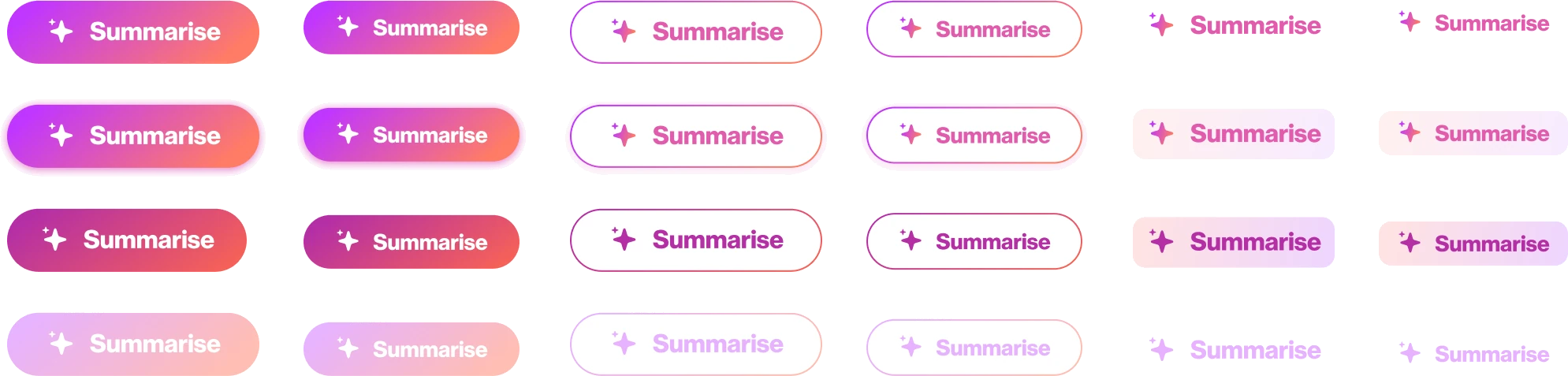
A fill for primary AI buttons and AI icons.
gradient stroke >
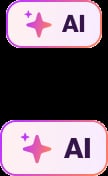
For secondary AI buttons, the AI badge and chatbox borders.
animated gradient >
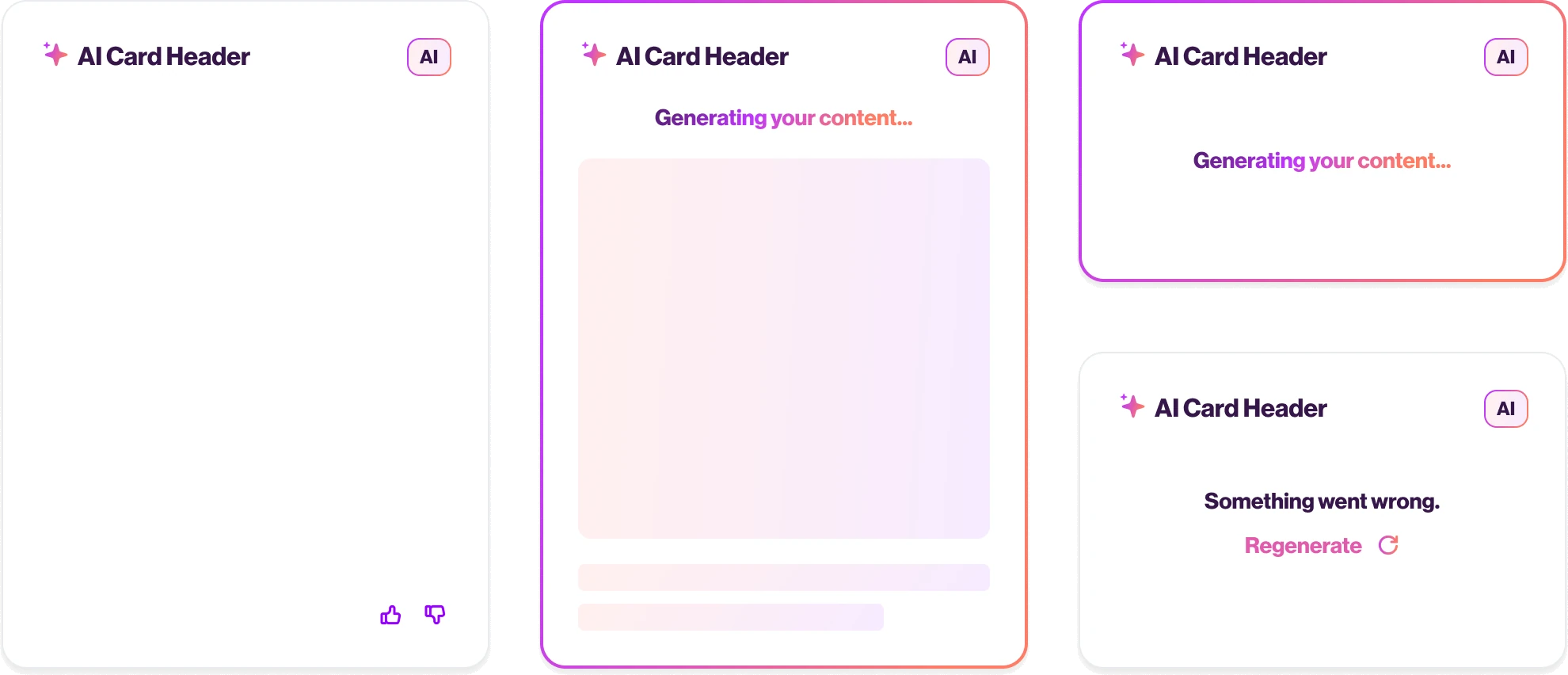
On card borders while the AI is generating, to show it is thinking.
AI components
Designing AI components for trust and clarity
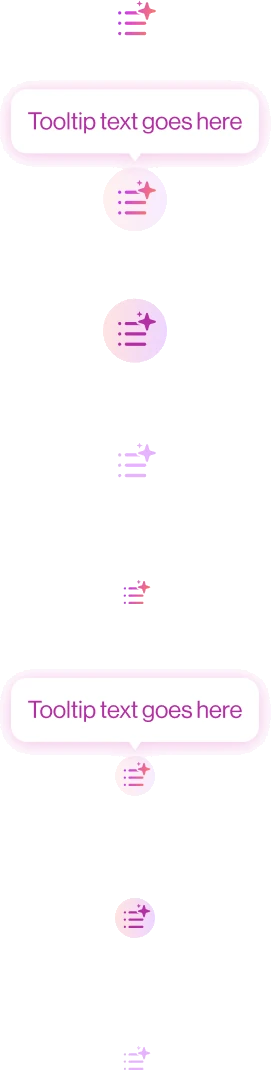
The sparkle is already how people recognise AI. Our support agents should be able to spot an AI action without learning a new symbol. I tested a range of shapes with our agents. The clearer marks won. The playful ones did not read as AI.


/buttons
Buttons triggering AI-enhanced actions include an AI sparkle. They also use the AI palette and have added motion so it's clear for users when the journeys are powered by AI.
/ai badge
The AI badge is used to highlight AI on high-stakes flows and where people need to know the output was not deterministic.
/ai card
A card can carry the sparkle and the badge depending on the journey.
While the content is generating, the border traces a gradient. People already recognise that pattern so I followed the convention. Generating, glowing text can be used when waiting for AI content off the back of another action.
The AI skeleton colours and motion further differentiate regular and AI loading states.
/ai chat
The AI chatbox follows the new colour palette and the thinking state uses the AI sparkle to make sure that people know the chat is powered by AI.
While the model is retrieving, thinking or calling tools, the thinking state can communicate to the user what is happening.
Adoption
New apps are built on Terra,
and most squads ship the AI layer
7
squads sharing one design language
100%
of new internal apps built on Terra
5/7
squads utilising the AI layer in shipped features
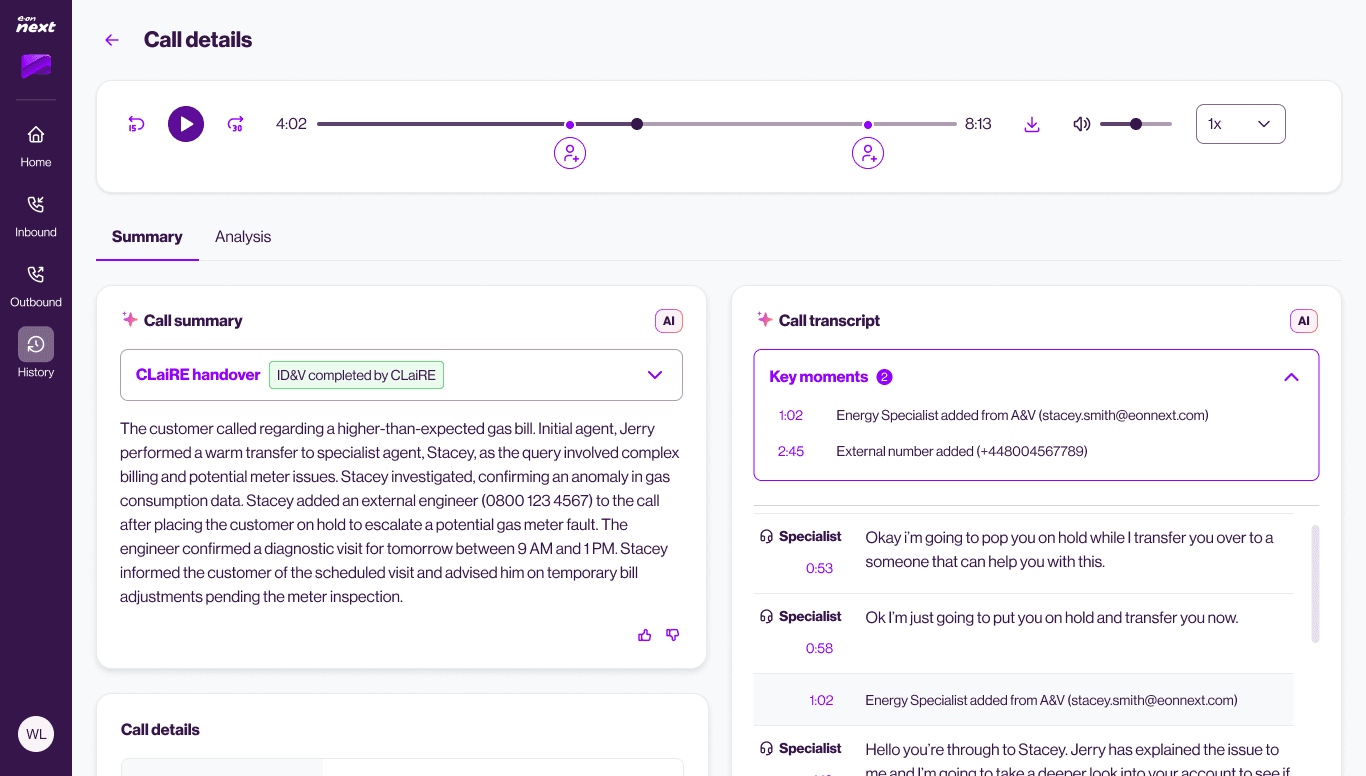
telephony
Agents on live calls, with summaries and transcripts.
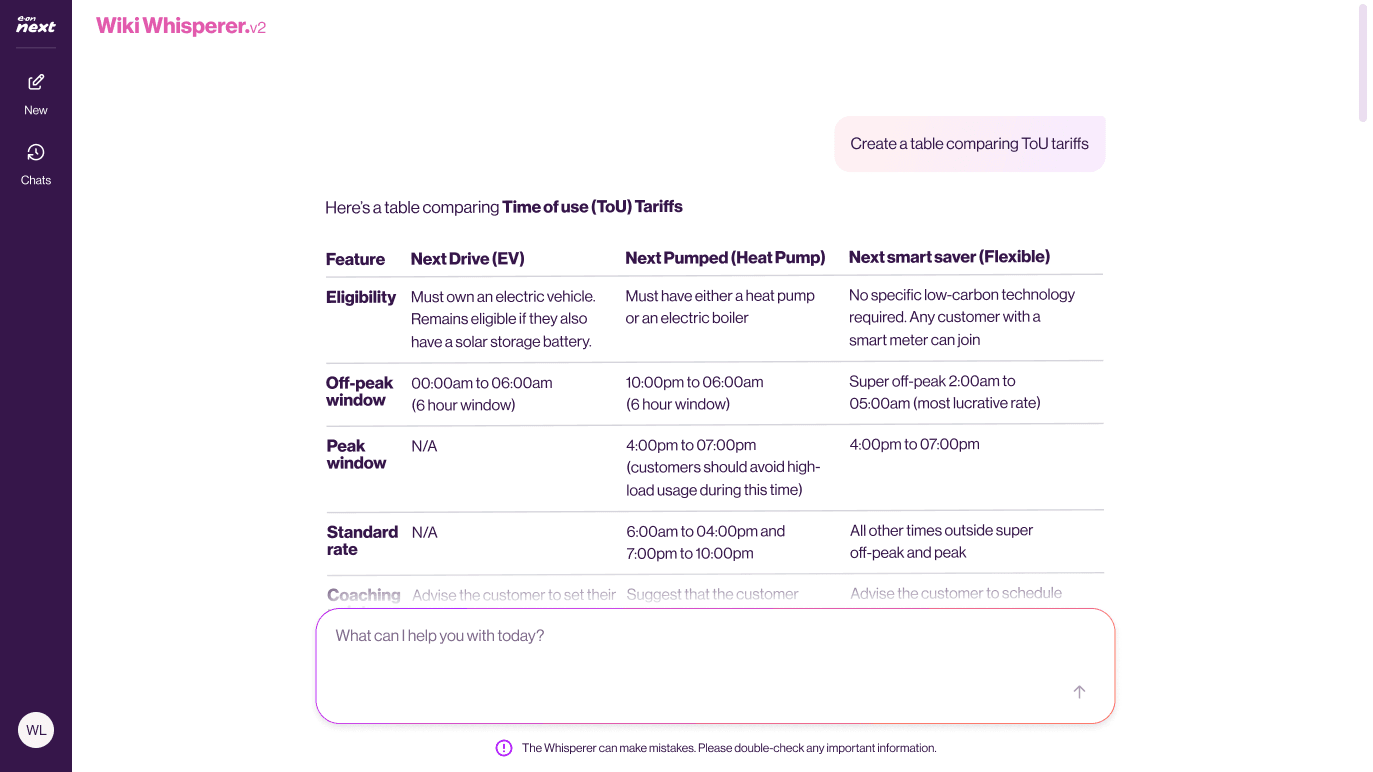
knowledge base
AI chatbot for internal processes.
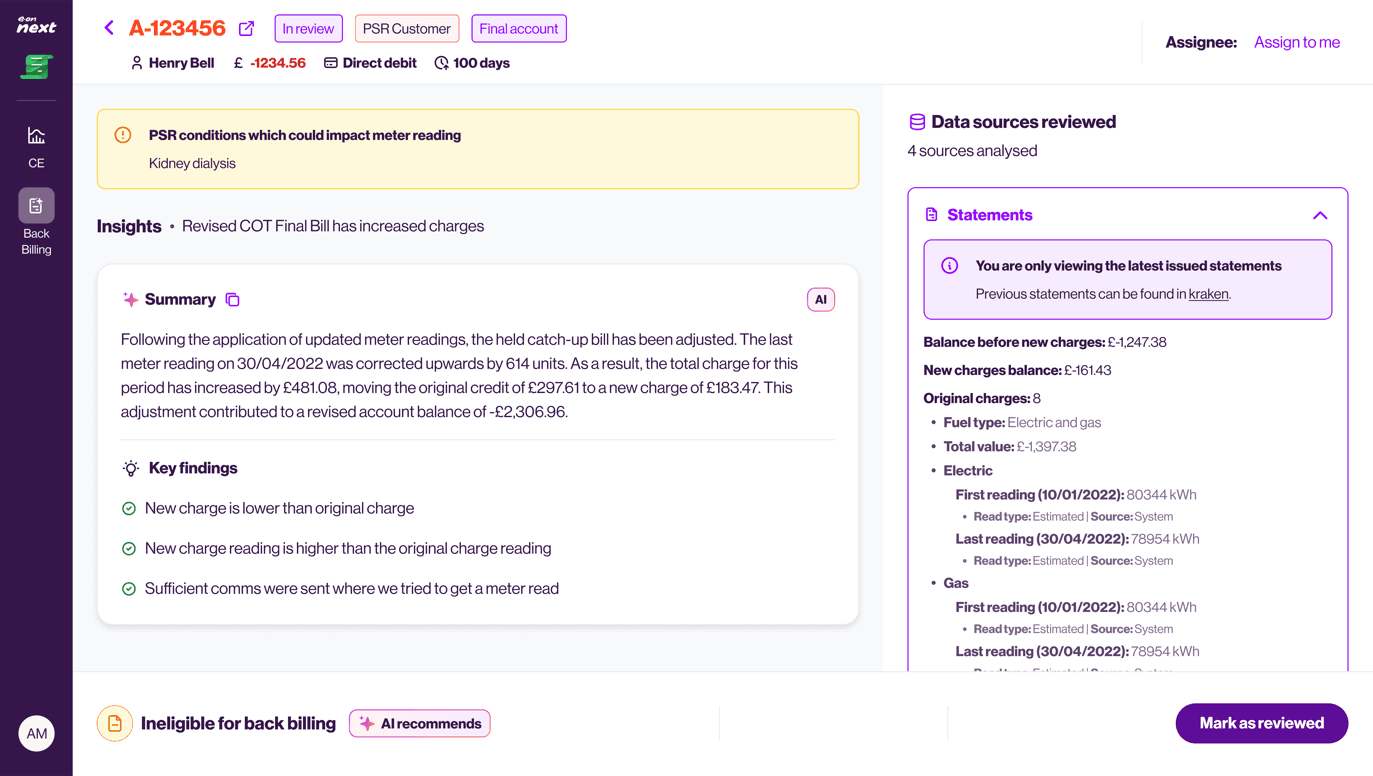
back billing
Agents working through back billing eligibility.
View next project